
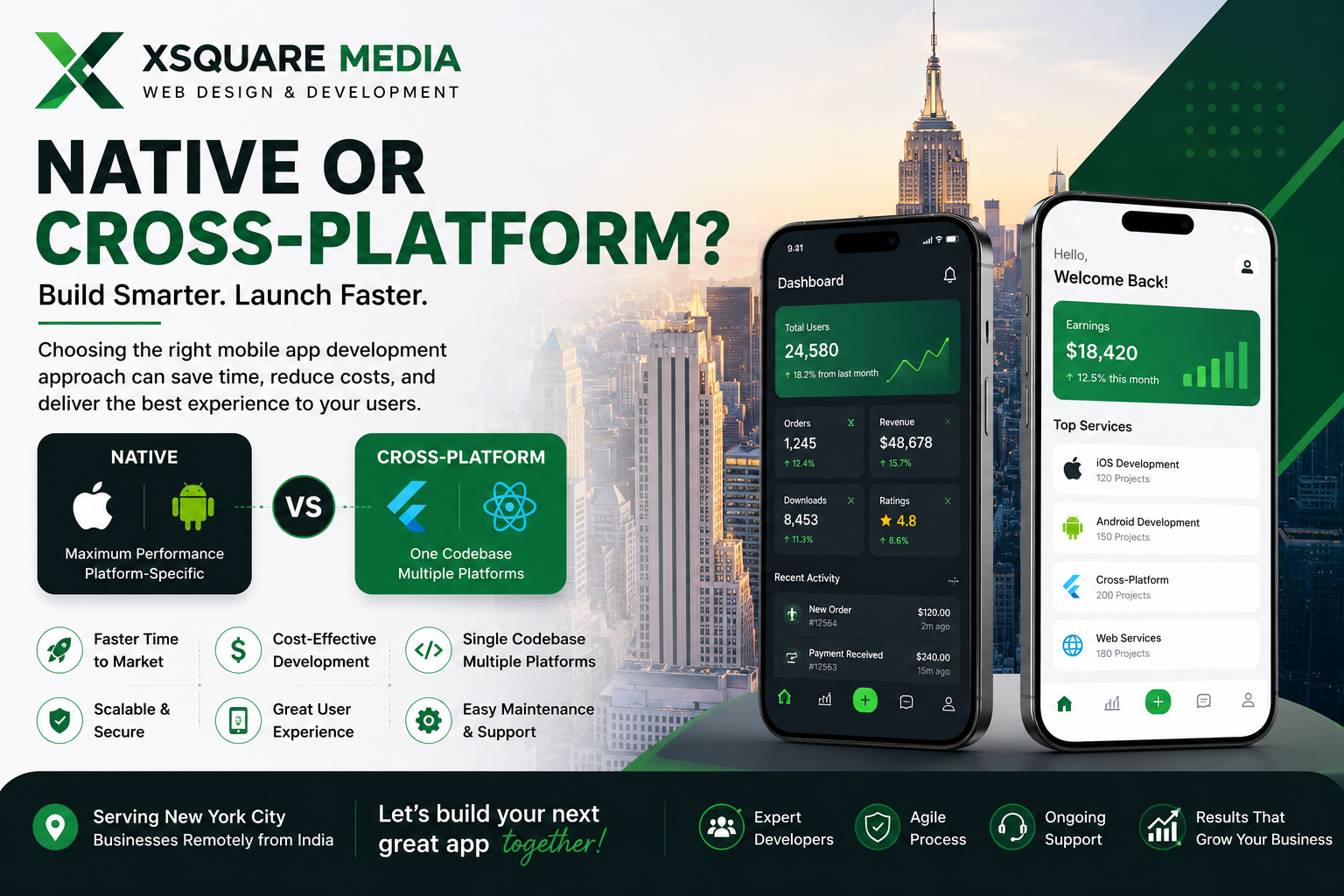
Native vs Cross-Platform Mobile App Development: Which Is Better for Your Business in 2026?
By Saurav Daga, Founder, XSquare Media — 9+ years building Laravel and Flutter applications
Every mobile project I've worked on hits the same fork in the road before a single line of code gets written: native or cross-platform?
It's not a trivial choice. It affects your budget, your launch date, how the app feels in someone's hand, and how much pain your dev team signs up for two years from now when a major iOS or Android update ships and half your plugins break.
I'll be upfront about my bias: I build in Flutter more often than not these days. But that's a default, not a rule — and I've talked clients out of Flutter more than once when it wasn't the right call.
If you're already evaluating options for a commercial app, our mobile app development services in New York cover native, hybrid, and cross-platform development for businesses that need to launch on iOS and Android.
Here's how I actually think through the decision.
Native, in Plain Terms
Native means building twice — Swift for iOS, Kotlin for Android — with two codebases that don't talk to each other. You get direct access to whatever the OS exposes, no translation layer, and less dependence on a plugin maintainer catching up to a new API.
That access matters enormously for some apps and not at all for others.
A fitness app doing continuous Bluetooth polling against a heart-rate strap? Native, no question.
A booking app with a login screen, a calendar, and a payments flow? The native advantage mostly evaporates.
Cross-Platform, in Plain Terms
Flutter and React Native let you write the UI and most of the business logic once and ship it to both platforms. This is one reason cross-platform mobile app development can make sense for businesses that want iOS and Android apps without maintaining two completely independent front-end projects.
I've used both professionally; my current default is Flutter, mainly because Dart's widget model keeps UI consistent across screen sizes without the constant "why does this look different on Android" debugging that ate my early React Native projects.
Here's a real one: I built a full-stack app called Zenly, a life-management app for Indian students and young professionals — habit tracking, expense tracking, daily planning, an XP/leveling system to keep people engaged, and Razorpay-powered subscriptions across Free, Pro, and Premium tiers.
Flutter on the front end, Laravel 10 on the backend, REST APIs handling auth and the subscription logic.
Would native have been better for that? No. Nothing in Zenly needed raw hardware access — it needed one team building one UI, shipping to both stores at once, with a backend that didn't care what rendered the screen.
Cross-platform was the obvious call, and I'd make it again.
Where the Two Actually Differ
Development Time and Cost
Two native apps mean building the same registration flow, the same product listing screen, the same push notification handler, twice.
Cross-platform doesn't halve your timeline — your backend, your API design, and your QA cycles stay exactly as heavy — but the UI layer alone can cut weeks off a launch.
On Zenly, not re-writing the habit-tracker UI for two platforms was the difference between a solo build being realistic and not.
Performance
Native wins outright for intensive graphics, heavy background processing, or anything squeezing every millisecond out of the hardware.
But for a booking app, a marketplace, a subscription product like Zenly — your users will rarely notice.
The same applies to many marketplace and eCommerce development projects, where payment processing, APIs, product data, database performance, and backend reliability can matter more to the overall user experience than whether every screen is rendered natively.
I've had zero performance complaints on Flutter builds handling standard CRUD-plus-payments workloads.
Device Access
Camera, GPS, biometrics, notifications — Flutter and React Native cover these well through plugins now, better than they did three years ago.
Where it gets ugly is genuinely unusual hardware: specialized Bluetooth medical devices, custom NFC readers.
I've had to drop into native platform channels exactly once for a client project, for a barcode scanner with quirky firmware. It's rare, but when it happens, budget extra time for it.
Maintenance
This is where cross-platform quietly pays for itself.
A bug fix in Zenly's expense-tracking logic gets written once and ships to both stores.
Two native codebases mean two fixes, two test cycles, and potentially two release processes.
Over an 18-month product lifecycle, that adds up faster than most founders expect going in.
Flutter vs React Native
If you've settled on cross-platform, this is the next real question.
Flutter gives you a tightly controlled, consistent UI out of the box — its own rendering engine rather than relying entirely on the platform's native UI components. That consistency is exactly what made it the right fit for Zenly's XP-system animations and habit-tracking dashboards.
React Native leans on your team's existing JavaScript/TypeScript skills and fits naturally if your stack is already JS-heavy end to end.
I don't reach for it as often, mostly because I've hit more platform-inconsistency bugs with it than with Flutter — your mileage may vary depending on your team's JavaScript and React Native depth.
Neither is objectively better.
Pick based on what your team already knows and what the product actually needs, not what's trending on social media this quarter.
Don't Forget the Backend
The framework decision gets outsized attention, but the mobile interface is only one part of the product.
Zenly's backend — Laravel handling authentication, subscription tiers, Razorpay webhooks, and XP calculation logic — is where a significant amount of the actual engineering effort went, and that would have been true no matter what rendered the front end.
For applications that require APIs, authentication, databases, payment integrations, admin systems, or custom business logic, the quality of the Laravel and web development behind the mobile interface matters just as much as the choice between Flutter, React Native, Swift, or Kotlin.
If you're evaluating vendors, ask what happens behind the login screen before you ask about Flutter versus Swift.
When I'd Push a Client Toward Native
I'd seriously consider native development when:
There's heavy, continuous hardware interaction, such as specialized Bluetooth devices or advanced camera pipelines.
Performance is the product itself — real-time graphics, AR, gaming, or anything extremely latency-sensitive.
iOS and Android are meant to feel deliberately different, not just visually but behaviorally.
You already have experienced Swift and Kotlin developers on staff and code-sharing wouldn't offset the switching cost.
For these projects, maintaining two native codebases may be justified by the level of control you gain.
When I'd Push a Client Toward Cross-Platform
I'd lean toward Flutter or React Native when:
You're validating an MVP and need to move fast without burning runway twice.
Both platforms need to launch together.
Most of the product is standard CRUD, forms, payments, content, dashboards, and APIs — not the last 10% of every OS API.
You expect frequent iteration and don't want every fix duplicated.
Your development team is small and maintaining two separate mobile codebases would create unnecessary overhead.
This describes a large percentage of the business applications I encounter.
Quick Comparison
| Requirement | Native | Cross-Platform |
|---|---|---|
| iOS + Android | Two separate builds | Shared codebase, mostly |
| Time to launch both | Slower | Usually faster |
| Cost | Higher | Lower for typical apps |
| Specialized hardware | Best | Depends on plugin support |
| Maintenance over time | Duplicated effort | Fix once, ship twice |
| Standard business app | Excellent | Also excellent |
| Platform-specific control | Excellent | Good to excellent |
| MVP development | More resource intensive | Often a strong choice |
There's no universal winner here — I say that not as a hedge, but because I've shipped both and watched each be the right call in the right context.
The Actual Questions Worth Answering
Before you pick a framework, answer these instead:
Does this app need hardware most phones don't fully expose to a bridge or cross-platform layer?
What's your real budget — for launch and for the two years after?
Do both platforms need to ship on day one?
What does your backend look like, regardless of framework?
How often will you realistically ship updates?
Does your existing development team already have strong Swift, Kotlin, Flutter, or React Native expertise?
Get those answers first. The framework choice tends to fall out on its own.
Planning a Mobile App in 2026?
If you're deciding between Flutter, React Native, Swift, or Kotlin, start with the product requirements rather than choosing a framework first.
XSquare Media builds mobile applications backed by Laravel APIs, databases, payment integrations, and scalable web infrastructure for startups and businesses.
Explore our mobile app development services to see how we approach mobile projects, or contact XSquare Media to discuss your requirements.
About the Author
Saurav Daga is the founder of XSquare Media, a Chennai-based development studio building web and mobile products for clients including U.S. businesses. He's spent 9+ years shipping full-stack Laravel and Flutter applications, including Zenly, a habit and expense-tracking app for young professionals in India.